How to run polls in your YouTube Live classes
Limits to know, timers, auto polls and tips that keep students answering.
ReadThe ultimate YouTube Live polling app for teachers and content creators. Create interactive polls, quiz your audience, and track results in real-time.
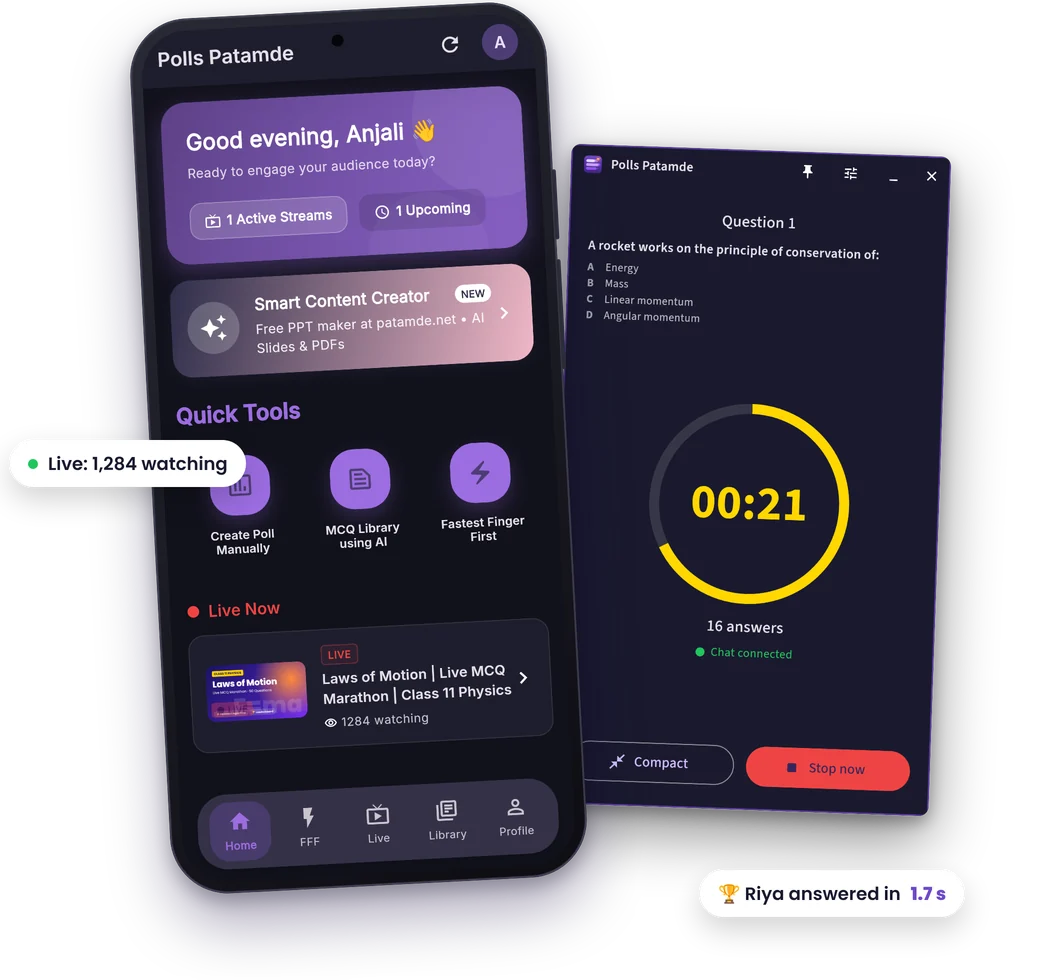
Most YouTube teachers face these problems every single day
You spend hours preparing, but students drop off within 10 minutes. No interaction means no retention.
You go live but only a few students show up. Without engagement tools, there's no reason for them to stay.
Reading chat manually for A/B/C/D answers? Counting votes yourself? It's slow, messy, and kills the flow.
Polls Patamde solves all of this — with one app.
Everything you need to run interactive polls during your YouTube Live streams
Upload your quiz PDFs and let our AI extract questions automatically. Supports Hindi, Tamil, English, and bilingual content.
Powered by Google's Gemini AI, our system intelligently extracts questions, options, and correct answers from your PDFs.
Seamlessly connect your YouTube channel, pick a broadcast, and publish polls directly into the native live experience.
Run competitive quiz rounds with leaderboard ranking and answer analysis. Viewers answer A/B/C/D in chat; the fastest correct answers win.
Poll timers from 15 seconds to 2 minutes. Polls close on their own, and the Auto Poll Sender (Pro and above) publishes your quiz set while you teach.
View detailed poll results, participant data, and performance analytics to improve your teaching methods.
Your live and scheduled streams appear in the app, so your polls and quizzes are ready the moment class starts. Once you're live, switch to Fastest Finger First for a leaderboard and answer analysis.
If you take live classes on YouTube, this app is made for you
Run daily MCQ rounds during your live GS, Polity, or Current Affairs classes. Keep aspirants engaged and test-ready.
Physics, Chemistry, Biology — send timed MCQ polls during live sessions. Students type A/B/C/D, app shows who got it right first.
Make your YouTube classes interactive with quick polls. Works for any subject — Math, Science, English, Hindi.
Teaching programming or tech concepts? Use polls to check understanding, quiz on syntax, and keep the class alive.
Hindi, English, Tamil — our AI supports multilingual PDFs. Run vocabulary quizzes and grammar polls in any language.
Not a teacher? Run audience polls, trivia nights, or Q&A sessions on your live streams. If you go live, this works for you.
Get started in a few minutes
Simply upload your quiz or exam PDF. Our AI automatically extracts questions and options, supporting multiple languages including Hindi and English.
Sign in with the Google account that owns your channel and pick your live or upcoming stream. Teaching from a PC? Pair the free Windows app with your phone.
When your class goes live, launch Fastest Finger First rounds with one tap. Track real-time responses, leaderboard positions, and answer analysis.
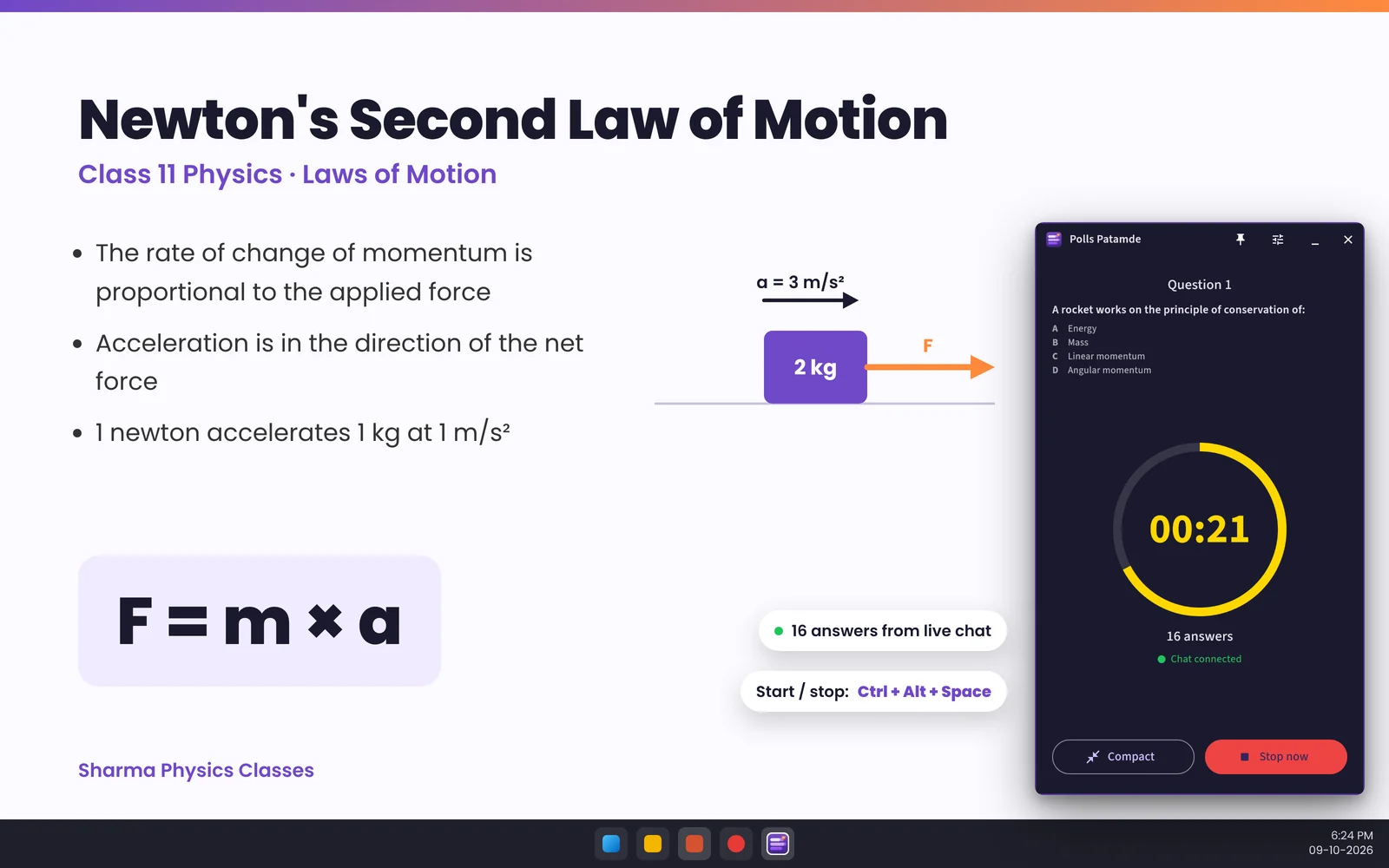
Teaching from a laptop? Keep the quiz controls on top of your slides and never switch apps mid-class.
A tiny pill with the timer and answer count, a full panel, or a big winner reveal. Snaps to any corner.
Ctrl+Alt+Space to start or stop, Ctrl+Alt+1–4 to mark the answer, even while PowerPoint is in front.
Pair the PC with your phone by QR code. Your Google and YouTube login stays on your phone.
Nothing is posted to your chat until you approve it with your fingerprint. Trust the PC for an hour with one tap.
Polls Patamde doesn't just make your classes interactive — it helps your YouTube channel grow
When students interact with polls during your live stream, YouTube's algorithm notices. Higher engagement = more recommendations = more viewers.
Interactive polls keep students hooked. They don't just watch — they participate. Average watch time goes up, and YouTube pushes your stream to more people.
Winners announced in chat and a running leaderboard give students a reason to join on time and stay till the end. Your live viewer count grows with every class.
Engaged students subscribe. They share your live class links. Word spreads — "This teacher's class has MCQ timer, polls, and results!" Your channel grows organically.
Understanding the platform limitations
YouTube Live polls support up to 4 options per question. If your quiz has more, trim it before publishing.
Each poll must include at least 2 options. Single-option questions cannot be published as YouTube polls.
YouTube enforces text limits. Questions over 100 characters or options outside 2 to 35 characters may fail or be trimmed.
You must authorize the app to access your YouTube channel. Only the channel owner can create polls on their live streams.
Start with a 7-day free trial. No credit card required.
Every plan, including the free trial, works with the free Windows app.
Secure payments powered by
 UPI • Cards • Net Banking
"This app has transformed my online classes! My students are so much more engaged now. The Hindi support is excellent."
"Finally, a polling app that understands Indian languages! The PDF upload feature saves me hours of preparation time."
"The Fastest Finger First feature has made my quiz sessions incredibly competitive and fun. Students love it!"
Limits to know, timers, auto polls and tips that keep students answering.
ReadViewers type A/B/C/D in chat; the fastest correct answers win. Here is how to run it.
ReadHotkeys, phone approvals and no Google login on the PC.
ReadEvery new account gets a 7-day free trial. After that, plans start at ₹299 per month. The Windows app and patamde.net are free.
No. Students answer native YouTube polls or type A/B/C/D in the normal YouTube live chat.
The AI reads Hindi, English, Tamil and bilingual PDFs. Polls and quizzes work in any language YouTube chat supports.
Yes. The free Windows app runs Fastest Finger First quizzes from a floating window. You pair it with the Android app, and your phone approves every chat post.
The app is verified by Google and only uses the YouTube permissions it needs. Paired PCs never get your Google login, and you can remove them any time.
Not yet. Polls Patamde is available for Android phones and Windows PCs.
Join thousands of teachers who are already engaging their students with Polls Patamde.
Have questions? We're here to help!